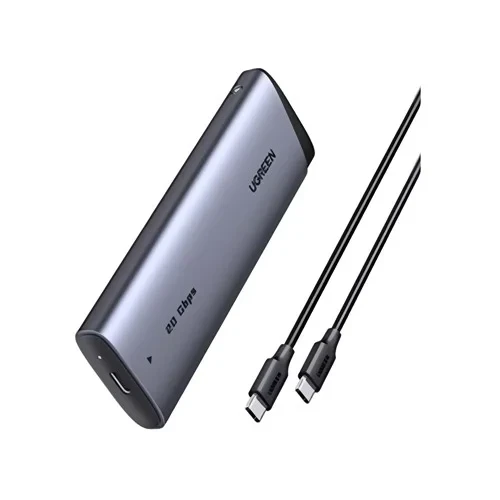
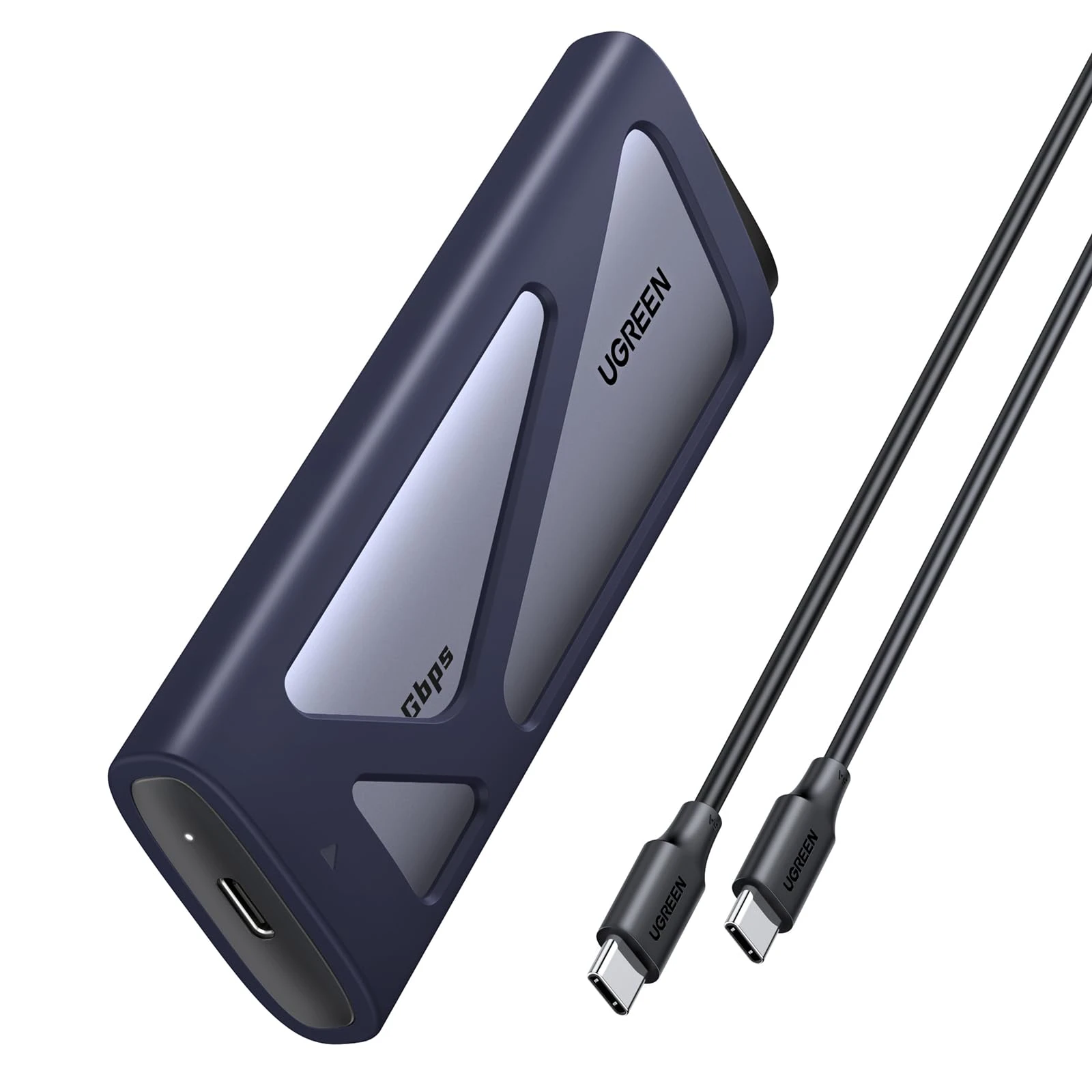
- Model: UGREEN CM767 (55150)
- Interface: USB 3.2 Gen 2x2 Type-C
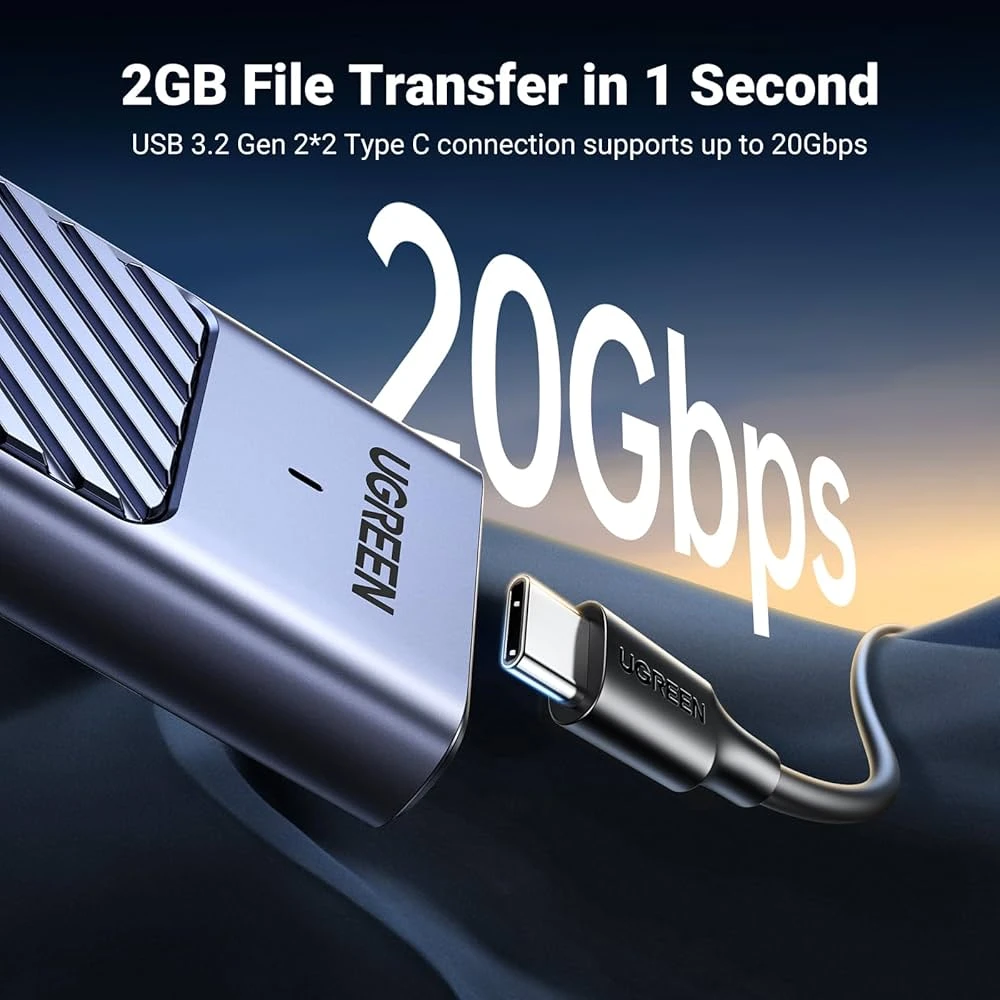
- Data Transfer Rate: Up to 20Gbps
- SSD Type Support: M.2 NVMe (M-Key) & M.2 SATA (B M Key)
- SSD Size Support: 2230, 2242, 2260, 2280
- Chipset: High-Performance Chip (Enables 20Gbps)
- Material: Aluminum Alloy Installation: Tool-Free
- Ultra-Fast USB 3.2 Gen 2×2 Interface with up to 20 Gbps data transfer speed
- Supports Both NVMe and SATA SSDs (M-Key and B M-Key protocols)
- Compatible with multiple M.2 SSD sizes: 2230, 2242, 2260, and 2280
- Supports SSD Capacity up to 8 TB
- Efficient Cooling System with aluminum case, thermal pad, and cooling pad to prevent overheating
- Tool-Free Installation with a single-screw design for easy SSD swapping
- Advanced Data Protection including UASP, TRIM support, over-current, and short-circuit protection
- Broad Compatibility with Windows, macOS, Linux, Android, and iOS platforms
- Compact and Portable Design for convenient on-the-go use
Upgrade your external storage with the UGREEN CM767 enclosure, designed for lightning-fast data transfer and maximum compatibility. Perfect for power users, gamers, and professionals who demand top-tier speed and reliability.
Key Features & Highlights
Ultimate 20Gbps Speed: Harness the power of USB 3.2 Gen 2x2 for read/write speeds up to 20Gbps (when paired with a compatible 20G port), allowing you to transfer massive files in seconds.
Dual Protocol Support: Universally compatible with both M.2 NVMe (PCI-E) and M.2 SATA (NGFF) SSDs, supporting key sizes 2230, 2242, 2260, and 2280.
Tool-Free Design: Enjoy hassle-free setup! The sliding cover and secure buckle design allow for tool-free installation of your M.2 SSD in just moments.
Optimal Thermal Management: Built with a durable aluminum alloy casing and includes a silicone thermal pad to effectively dissipate heat and protect your SSD from overheating, ensuring stable, sustained performance.
Broad Compatibility: Includes both a USB-C to USB-C cable and is compatible with Windows, macOS, and Linux systems. Ideal for expanding storage, system backups, or cloning drives.
Product Specifications
| Feature | Description |
| Model Name | M.2 NVMe SATA SSD Case |
| Model No. | CM767 (55150) |
| Material | Aluminum alloy ABS, Plastic Silicone |
| Color | Silver |
| Output Connect | USB3.2 Gen2 |
| Type-C Transmission Rate | 20Gbps |
| USB Cable | USB C to C 0.5m |
| Support Capacity | 8TB (Max) |
| Installation | Drive Free |
| Support System | Windows/ Mac OS/ Linux |
| Package | Ugreen Retail Box |
4. Setup and Installation
4.1 SSD Compatibility
The enclosure supports M.2 NVMe/PCIe and M.2 SATA SSDs with M&B Key or M Key. It is compatible with 2230, 2242, 2260, and 2280 form factors. Please note that it does not support SSDs with heatsinks or B Key NGFF/SATA SSDs.
4.2 SSD Installation Steps
Follow these steps to install your M.2 SSD into the enclosure:
- Press the bottom of the enclosure and gently pull out the built-in black motherboard.
- Remove the small screw(s) from the motherboard.
- Align the M.2 SSD with the slot on the motherboard and insert it firmly.
- Secure the SSD to the motherboard using the previously removed screw(s) and the fixed buckle.
- Affix the silicone thermal pad onto the SSD to assist with heat dissipation.
- Slide the motherboard assembly back into the aluminum enclosure until it clicks into place.
5. Operating Instructions
5.1 Connecting to a Device
Once the SSD is installed, connect the enclosure to your computer or compatible device using the provided USB-C to USB-C cable. The enclosure is plug-and-play and does not require additional drivers for most operating systems (Windows, Mac OS, Linux).
5.2 Data Transfer Speeds
To achieve the maximum 20Gbps transfer speed, connect the SSD enclosure to a computer with a USB 3.2 Gen 2x2 (20Gbps) standard interface. When connected to Thunderbolt 4/3 ports, the speed will be limited to USB 3.2 Gen 2x1 (10Gbps). Please note that Mac OS devices generally support a maximum of 10Gbps transfers.
5.3 Usage Scenarios
- External Storage: Use as a high-speed portable drive for backups, large file transfers, or expanding storage.
- Gaming: Connect to compatible gaming consoles (e.g., PS5) for expanded game storage and faster loading times.
- Mobile Device Expansion: Free up space on your smartphone or tablet by transferring photos and videos directly to the enclosure.
5.4 Supported Systems and Devices
The enclosure is widely compatible with various operating systems and devices:
- Operating Systems: Windows, Mac OS, Linux
- Devices: Desktop PCs (e.g., TUF GAMING B550M-PLUS), Laptops (e.g., Macbook Pro, XPS 15, Razer Blade 18), Tablets (e.g., iPad Pro), Smartphones (e.g., iPhone 16 Pro Max), Gaming Consoles (e.g., PS5).
6. Maintenance
- Keep the enclosure clean and free from dust. Use a soft, dry cloth for cleaning.
- Avoid exposing the device to extreme temperatures, humidity, or direct sunlight.
- Do not drop or subject the enclosure to strong impacts.
- Ensure proper ventilation to prevent overheating, especially during prolonged high-speed transfers.
- Always safely eject the device from your operating system before disconnecting to prevent data corruption.
7. Troubleshooting
- Device not recognized:
- Ensure the SSD is correctly installed and seated firmly in the enclosure.
- Try connecting to a different USB port on your computer.
- Test with a different USB-C cable.
- Check Disk Management (Windows) or Disk Utility (Mac) to see if the drive is detected but unformatted.
- Slow transfer speeds:
- Verify that your computer's USB port supports USB 3.2 Gen 2x2 (20Gbps) for maximum speed.
- Ensure your SSD is an NVMe drive for optimal performance. SATA SSDs will operate at lower speeds.
- Close other applications that might be using system resources or the drive.
- Mac OS devices are limited to 10Gbps transfer speeds.
- Enclosure gets hot:
- It is normal for the aluminum body to dissipate heat during operation, especially during high-speed transfers. The aluminum body and silicone pad are designed for effective heat management.
- Ensure the silicone thermal pad is correctly affixed to the SSD during installation.
- SSD not fitting:
- Double-check that your M.2 SSD is one of the supported sizes (2230, 2242, 2260, 2280) and does not have an integrated heatsink.
- Ensure the key type (M Key or M&B Key) matches the enclosure's compatibility.
8. User Tips
- For new SSDs, you may need to initialize and format the drive through your operating system's disk management tools before it appears in 'My Computer' or 'Finder'.
- Always use the provided high-quality USB-C cable to ensure stable and fast connections.
- Consider using the enclosure for a bootable OS drive for quick system access or recovery.
- When transferring very large files, ensure your computer's power settings are configured to prevent sleep mode during the transfer.
9. Warranty and Support
UGREEN products are designed and manufactured to the highest quality standards. This product is covered by UGREEN's standard warran

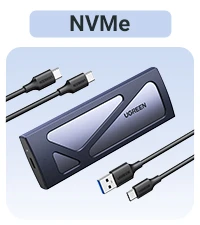
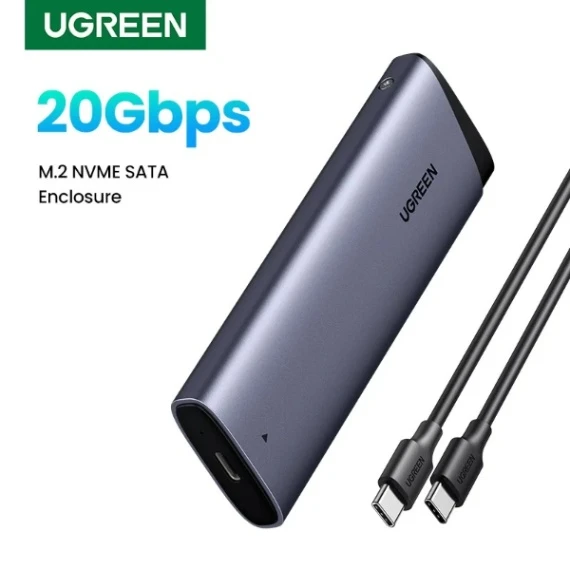
 Physical Product
 Sold by
Official Store
Sold by
Official Store

 Fast Delivery all across the country
 Safe Payment
 3 Days Return Policy
 Authentic Products